
How to fix under-extrusion
Under-extrusion is when the printer pushes out less plastic than the slicer expects. Walls come out thin, top surfaces have gaps between lines, and the print feels light and weak. It can be a setting, but more often something is slowing the filament down.
Printing faster than the hot end can melt
Every hot end can only melt so much plastic a second. If gaps appear on fast infill but not on slow walls, the print outran it. The slicer profiles cap it with a maximum volumetric speed for each filament; keep within it, or slow the infill down. The filament pages show the profiles' values: soft materials like TPU are capped far lower than PLA.
Something in the filament path
- A partly blocked nozzle. Thin, curly extrusion when you load filament is the sign. Heat it up and push filament through by hand, or replace the nozzle.
- A slipping extruder. Clicking noises and ground-up filament mean the gears cannot grip: check the tension and clean the gears.
- Drag on the spool. A tangled spool or a stiff holder makes the extruder fight to pull filament.
- Damp filament extrudes unevenly with popping sounds; dry it.
Too cool
Plastic that is not hot enough flows slowly. Raise the nozzle temperature 5 °C at a time within the filament's range, or find the best value with a temperature tower.
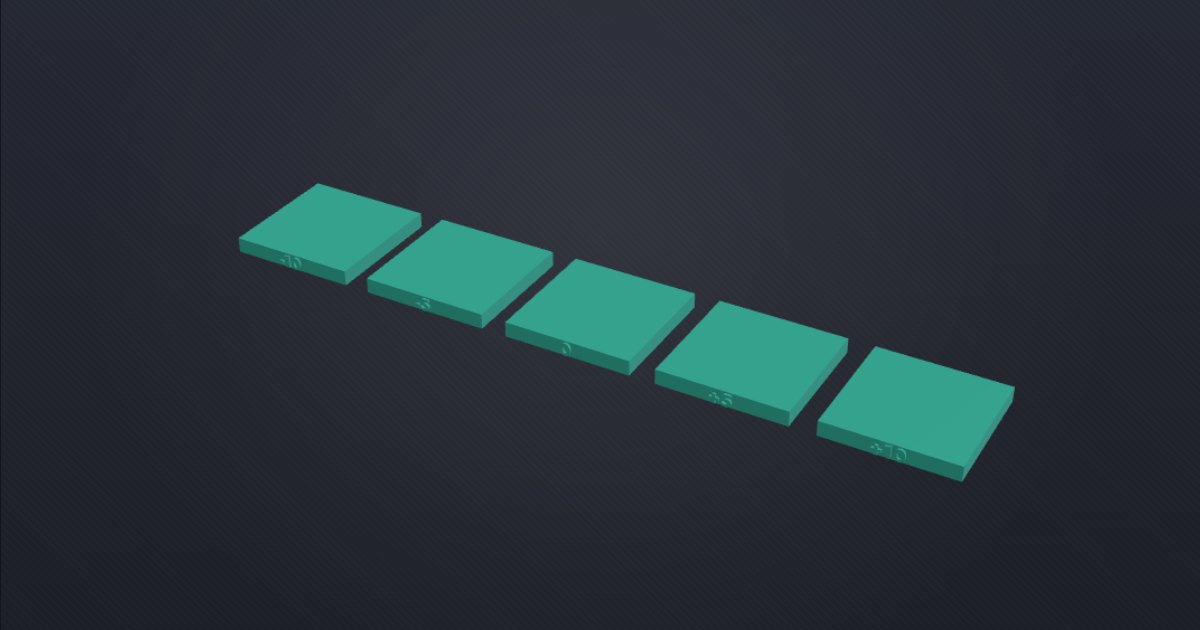
Calibrate the flow last
Only once the path is clear and the speed is right, fine-tune the flow. Print the flow rate test and pick the block with the smoothest top. The setting is Flow ratio in Bambu Studio and OrcaSlicer and Extrusion multiplier in PrusaSlicer, in the filament settings. Raising the flow to hide a blocked nozzle only moves the problem.