Bank of Canada Building 3D model
A free, print-ready model of the Bank of Canada Building in Ottawa, Canada. Download it on its own with a name plate, or print it standing on the real terrain around it.
- Location
- Ottawa, Canada
- Height
- 37 m
- Completed
- 1938
- Designed by
- S. G. Davenport, completed by Marani, Lawson and Morris; 1979 addition by Arthur Erickson with Marani Rounthwaite & Dick
- Also known as
- Bank of Canada head office, Siège de la Banque du Canada, 234 Wellington Street
- Print size
- 195 × 91 × 50 mm at the default height
- Supports
- None needed
About the Bank of Canada Building
The Bank of Canada's head office on Wellington Street was built in 1937–38 in grey Quebec granite, with bronze front doors by Ulysses Ricci and carvings by Jacobine Jones. A 1979 expansion designed with Arthur Erickson added two glass towers on either side and an enclosed garden court behind the original building.
What the model includes
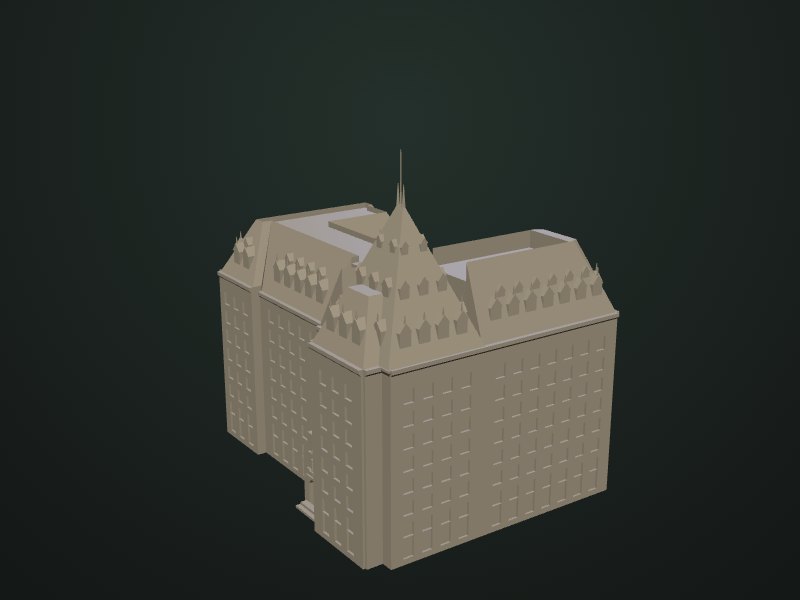
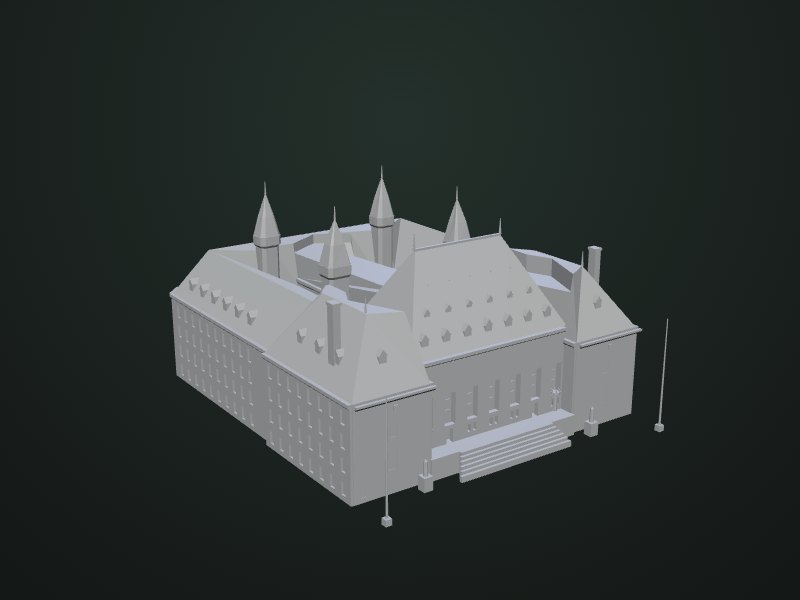
The 1938 granite building with its base storey and bronze door in a stepped surround, the recessed front bay of seven window columns between six fluted pilasters over carved dark spandrels, the royal arms in the attic, the dentilled cornice and the low copper hipped roof behind its rail, the side windows in recessed strips and the barred base windows, the low terrace walls with their carved panels and the two great urns; behind and beside it the two chamfered glass towers on their piers with floor bands, mullions and sloping copper crowns, and the glass-roofed garden court with its copper-clad piers on Sparks Street.
It is built from simple closed solids, so it slices cleanly and stands flat. In the download window you can set the height from 10 to 250 mm and add a base plate with the name in raised letters. The mesh has about 11,548 triangles, small enough to open in any slicer.
Print the Bank of Canada Building on its real terrain
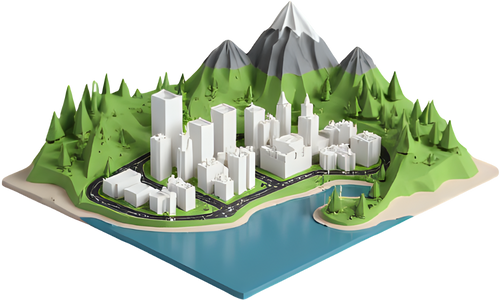
Map data stores most buildings as a flat outline with a height, so the Bank of Canada Building would normally print as a plain block. In TerraPrinter, this model takes its place automatically. It is turned to match the outline in the map data and stands on the real elevation, with the streets, water and buildings around it.
More 3D landmarks
Questions
Is the Bank of Canada Building 3D model free?
Yes. You can download the Bank of Canada Building as an STL or 3MF for free, without an account, and print it as many times as you like.
What size should I print the Bank of Canada Building?
At the default height of 50 mm it measures 195 × 91 × 50 mm. Pick any height from 10 to 250 mm before downloading. Thin parts like spires and antennas print better at 100 mm and up on a 0.4 mm nozzle.
Do I need supports?
No. The model stands flat on its base and prints upright without supports.
Can I print the Bank of Canada Building with the city around it?
Yes. "Print on its terrain" opens TerraPrinter with the area around the Bank of Canada Building selected. When you generate the model, this landmark replaces the plain block from the map data and stands on the real terrain with the surrounding streets and buildings.