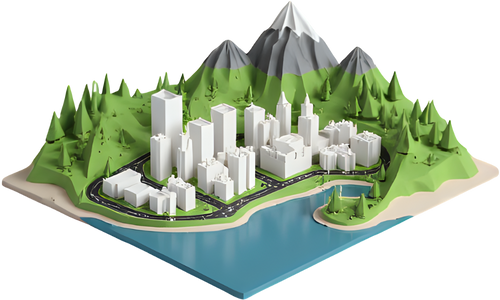
Press Build plaque in the panel to make the 3D version of this design.
The design changed. Build the plaque again to update it.
Press Make laser file in the panel to see the boards as they come off the laser.
The design changed. Make the laser file again to update it.
Loading…
One drawing, three ways to make it
The poster
The preview is drawn from OpenStreetMap data, not taken from a map screenshot, so it stays sharp at any size. The PNG is 300 dpi at the paper size you pick, the SVG and PDF are vectors with the lettering turned into outlines, so they print exactly as you see them.
The plaque
Every layer of the design becomes a raised step: water sunk into the base, then land, parks, streets, main roads, buildings and the lettering on top. Roads are widened to at least 0.8 mm so a 0.4 mm nozzle can print them, and slivers too small to print are left out.
The laser file
The SVG is drawn at real size in millimetres, so it opens in LightBurn, xTool Creative Space, the Glowforge app or Inkscape at the width you chose. Red is the cut line, blue is a score, and roads, buildings, water, parks and lettering each engrave in their own colour. The layered version cuts the water out of a top board, so a second board shows through underneath.
Printing it in colour
On a multi-colour printer, load the 3MF and give each named part its filament. On a single-colour printer, pause and swap the filament at the heights listed after you build the plaque; each step comes out in its own colour.
Map data © OpenStreetMap contributors. Elevation © Mapzen / AWS Terrain Tiles. Prefer a full 3D terrain model? Open the TerraPrinter app or see 3D map gift ideas.