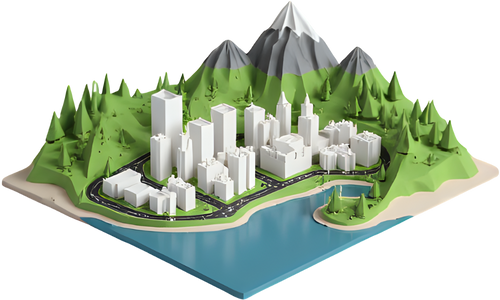
Cabot Tower 3D model
A free, print-ready model of the Cabot Tower in St. John’s, Canada. Download it on its own with a name plate, or print it standing on the real terrain around it.
- Location
- St. John’s, Canada
- Height
- 17 m
- Completed
- 1900
- Print size
- 93 × 109 × 120 mm at the default height
- Supports
- None needed
About the Cabot Tower
Built between 1898 and 1900 on Signal Hill in St. John's, Cabot Tower marks the 400th anniversary of John Cabot's voyage and Queen Victoria's Diamond Jubilee. It overlooks the narrow entrance to St. John's harbour.
What the model includes
The crenellated stone tower, its corner turret and the entrance porch.
It is built from simple closed solids, so it slices cleanly and stands flat. In the download window you can set the height from 30 to 250 mm and add a base plate with the name in raised letters. The mesh has about 472 triangles, small enough to open in any slicer.
Print the Cabot Tower on its real terrain
Map data stores most buildings as a flat outline with a height, so the Cabot Tower would normally print as a plain block. In TerraPrinter, this model takes its place automatically. It is turned to match the outline in the map data and stands on the real elevation, with the streets, water and buildings around it.
More 3D landmarks
Questions
Is the Cabot Tower 3D model free?
Yes. You can download the Cabot Tower as an STL or 3MF for free, without an account, and print it as many times as you like.
What size should I print the Cabot Tower?
At the default height of 120 mm it measures 93 × 109 × 120 mm. Pick any height from 30 to 250 mm before downloading. Thin parts like spires and antennas print better at 100 mm and up on a 0.4 mm nozzle.
Do I need supports?
No. The model stands flat on its base and prints upright without supports.
Can I print the Cabot Tower with the city around it?
Yes. "Print on its terrain" opens TerraPrinter with the area around the Cabot Tower selected. When you generate the model, this landmark replaces the plain block from the map data and stands on the real terrain with the surrounding streets and buildings.